
KineMaster Pan & Zoom Guide: Enhance Your Videos with Smooth Motion
Kinemaster APK is the best video editor with advanced features and AI-supported tools. Digital and unique premium features include Magic Remover, Chroma key, Audio extractor, Color and filter effects, Multilayering, four-pin corner tools, no watermark and many more. Besides the above-mentioned features, the pan and zoom feature is one of the best features for video editing.
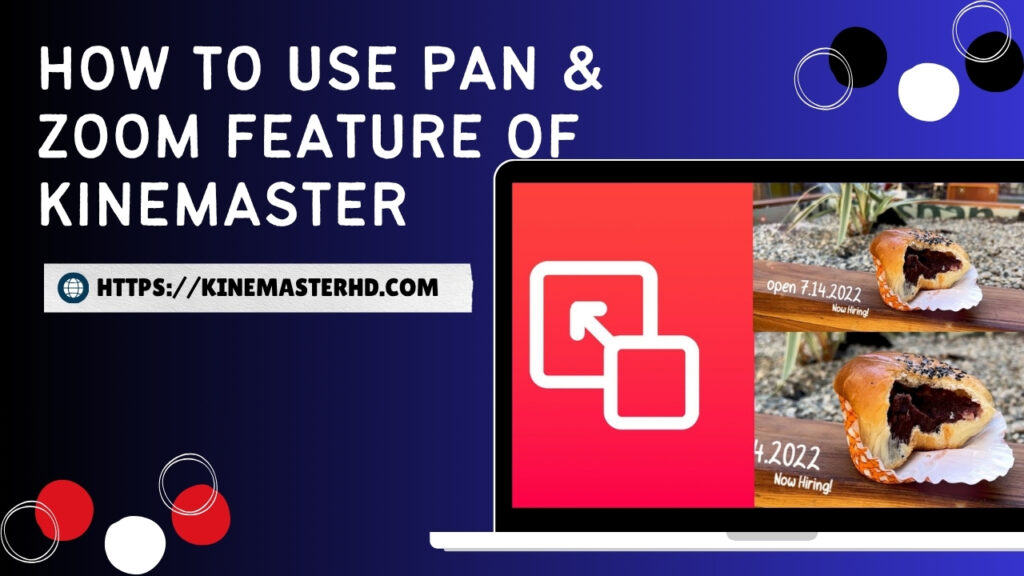
What is Pan & Zoom in KineMaster?
With the pan & zoom effect, users can zoom in and out of their static photos from the start to end point for the creation of cinematic videos. This feature enhances the creativity and uniqueness of videos by giving them a cinematic look. You can also apply these effects to videos and images on iPhone as well.
Read More: Explore Kinemaster’s Old Versions with Features
How to Apply Pan and Zoom feature
Following stepwise instructions with the Kinemaster APK makes it easy to apply pan and zoom effects to your videos.
Step No. 01: Open the Kinemaster application on your mobile and import videos or images into the Kinemaster mod APK application. If you are using Kinemaster for the first time, give permission to access the images and videos in the Android gallery.
Step No. 02: The right side of the interface shows a box with all the features. From the box of Kinemaster features, click on the Pan and Zoom option.
Step No. 03: On the right side of the interface, a box with Pan and Zoom features, including the start and end positions, will open.
Step No. 04: If you click on the equal sign between the start and end positions, the zoom style will be the same from the start to the end of the video.
Step No. 05: Users can also give different zoom styles on the same video. Uncheck the equal sign (=) and set the zoom level at the start of the video.
Step No. 06: After that, the zoom level of the endpoint of the video must also be set.
Step No. 07: Our pan-and-zoom featured video is ready. Save and download the high-quality video by clicking on the option in the upper-right corner of the Kinemaster interface.
Read More: Kinemaster for PC: Explore Creativity from Imagination to Visualisation
Conculsion
Finally, follow above mentioned steps for using pan & zoom effects of Kinemaster very easily for creation of amazing videos. It is one of the premium feature of Kinemaster APK for pro users.